> For the complete documentation index, see [llms.txt](https://docs.fonbnk.com/llms.txt). Markdown versions of documentation pages are available by appending `.md` to page URLs; this page is available as [Markdown](https://docs.fonbnk.com/kyc.md).
# KYC
Which countries require KYC, at what amounts, and what the user has to submit.
Most orders require the user to pass Know Your Customer checks. What is required depends on three things: the **country**, the **amount**, and the **direction** — on-ramp and off-ramp are governed separately.
### The two levels
**basic** — the user picks an ID type and gives their first name, last name, date of birth and ID number. Verified against the national registry, usually in seconds.
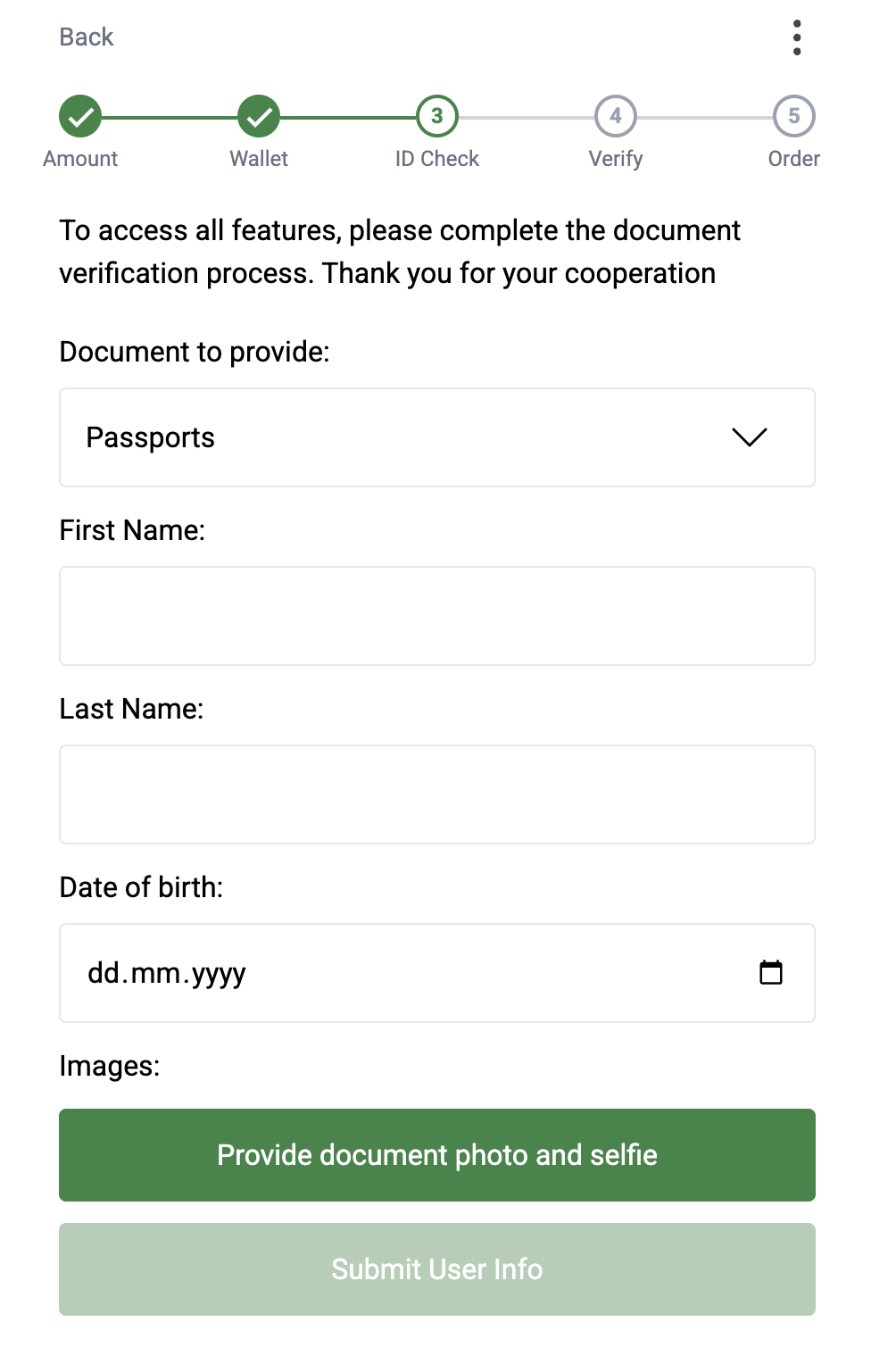
**advanced** — what the user submits depends on the country. In most countries the user picks an ID type and gives their first name, last name and date of birth, then submits photos instead of a number:
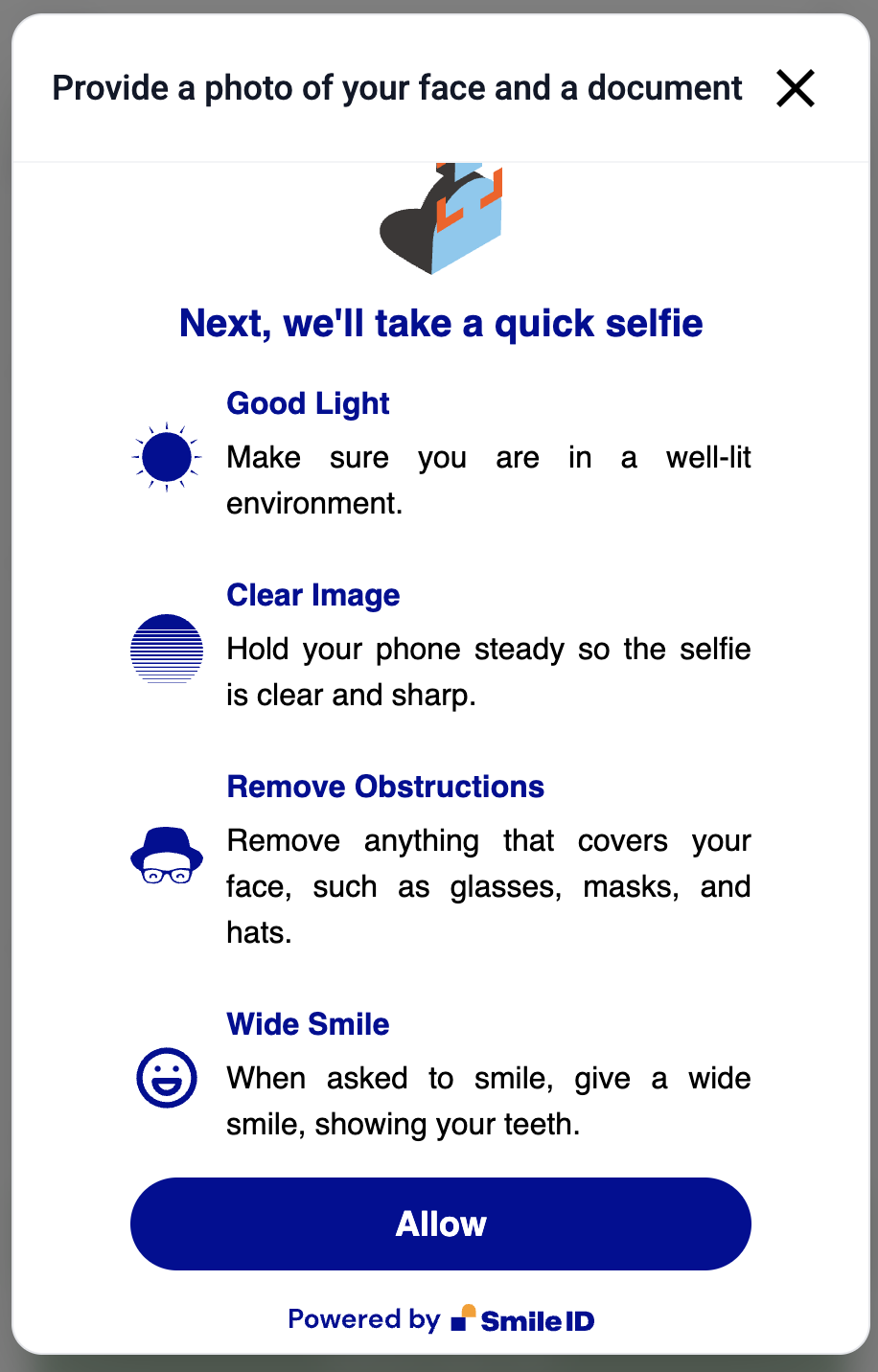
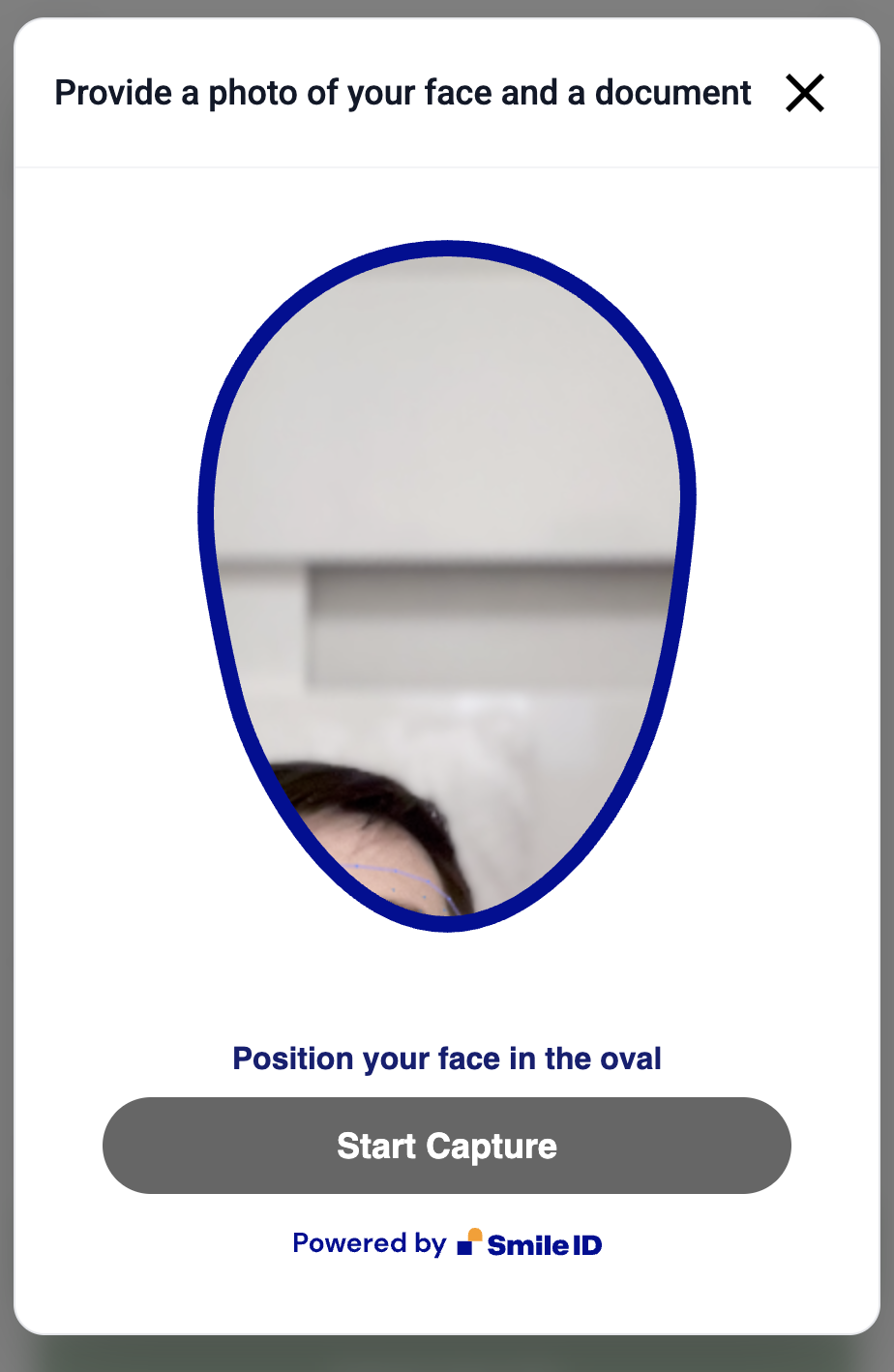
* a selfie
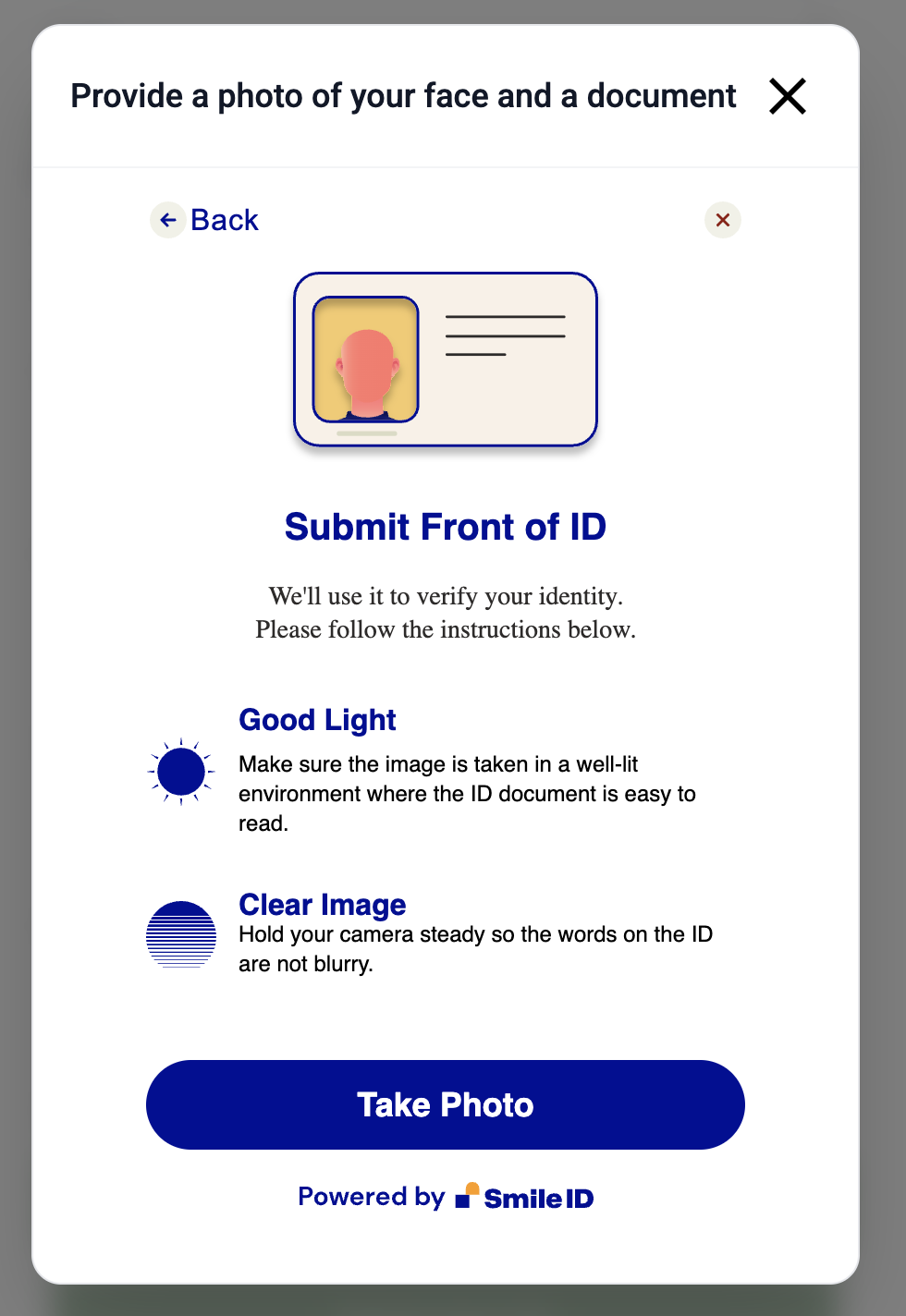
* the front of the document
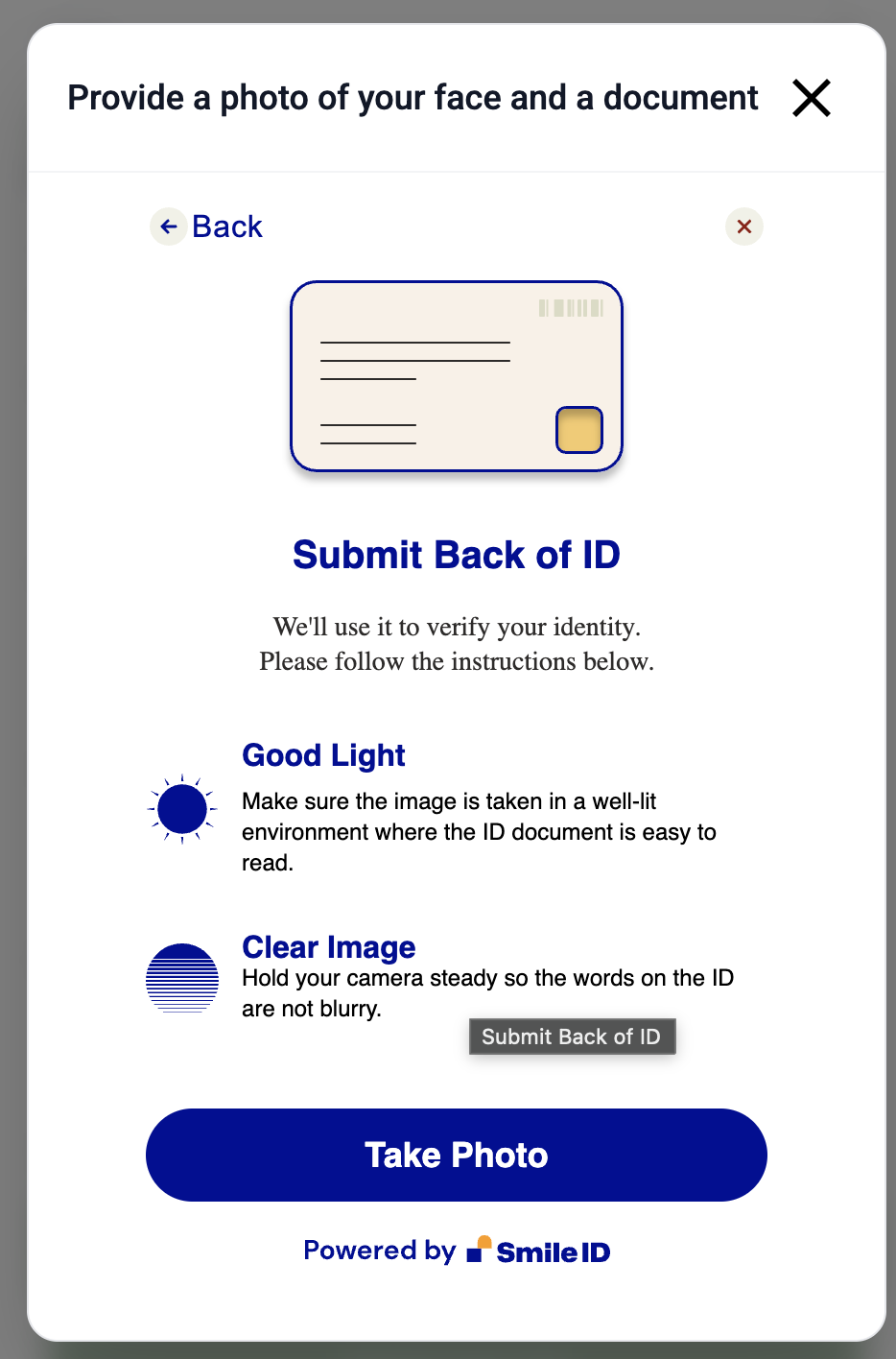
* the back of the document, where it has one
In Nigeria the user picks nothing and types nothing. The document list holds one entry called **Photo ID**, the KYC state response returns a `verificationUrl` beside it, and the user finishes the check on a page our provider hosts. Open that URL and wait for the webhook.
{% hint style="info" %}
Read `requiredFields` on the document, and render what it names. An empty `requiredFields` means the provider collects everything, and the user goes to the `verificationUrl` instead of a form.
{% endhint %}
Advanced is the higher level: passing it satisfies any rule that asks for basic.
{% hint style="info" %}
**Basic does not cross borders.** A basic pass counts only in the country it was earned in. A user who passed basic in Kenya and then orders in Ghana is asked for advanced. Advanced counts everywhere.
{% endhint %}
### Two kinds of threshold
Every entry above comes from one or both of these mechanisms, and `kycSettings` shows which:
**Per-order.** The rule sets a USD range and fires when the order falls inside it. This is what the table shows.
**Lifetime allowance.** The rule sets a total, and fires once the user's lifetime **successful** volume in that direction passes it. Most countries carry a $1 allowance ($2 in Ivory Coast), which is why an unverified user can occasionally complete one very small order and then be asked to verify.
When both fire, the higher level wins.
{% hint style="info" %}
**The allowance reaches below the per-order floor.** When you pre-check with amounts, the order you are about to create is counted into the lifetime total first, and the test is strictly greater than. South Africa reads "basic from $3" per order and carries a $1 allowance, so a brand-new user's **$2** order clears the per-order rule and still needs basic: $0 + $2 is more than $1. The table's floors are the per-order rule alone; the answer for a real order is `requiredKycType`.
{% endhint %}
### Off-ramp is different
Selling crypto needs no KYC in most countries. Whether it applies is a per-country switch, and today **South Africa** is the only country where it is on.
When the switch is off, [Get user KYC state](/server-to-server/api-endpoints/get-user-kyc-state.md) strips that country's crypto-deposit rules from `kycSettings` before you see them — so nothing you read there needs direction filtering. Everything else in the response still needs matching: each rule names its own `operationType` and `currencyType` and applies only to the leg that matches both. The `offrampKycRequired` field on the same response tells you which case you are in.
{% hint style="info" %}
Do not hard-code "off-ramp needs no KYC". It is one flag per country and it can be turned on for any of them. Read `offrampKycRequired`, or just send the amounts and trust `requiredKycType`.
{% endhint %}
### Nigeria needs a BVN
A Nigerian **on-ramp** requires a BVN on file, whatever else the user has passed. The rule is direction-scoped: on an off-ramp it applies only where `offrampKycRequired` is on, and Nigeria's is off — so a Nigerian off-ramp needs no BVN and no KYC at all, exactly as the table says.
[Get user KYC state](/server-to-server/api-endpoints/get-user-kyc-state.md) flags the block with `isNgBvnBlocked`. It has no order type to work from, so it reports the block in both directions; scope it yourself.
`isNgBvnSupportLocked` narrows it to the users who may not self-serve the BVN: anyone whose `passedKycType` is `basic` without an approved Nigerian BVN on file. That includes a basic earned abroad and a basic earned in Nigeria on a document we no longer accept. Those users need manual review, so send them to support. A user who passed **advanced** and is still BVN-blocked is not in this group. They are offered the BVN form and the submission is accepted, because the BVN is a document requirement and not a tier. See [KYC flow](/server-to-server/kyc-flow.md).
One more Nigerian quirk: the BVN is the only Nigerian **basic** document. Advanced in Nigeria is the hosted **Photo ID** check, so a Nigerian order that needs advanced always has something for the user to submit.
### Skipping KYC
If you already run KYC on your own users, we can switch ours off for your account. Then [Get user KYC state](/server-to-server/api-endpoints/get-user-kyc-state.md) returns empty KYC fields with a `message` explaining why, and you can skip the whole flow. Contact support to arrange it.
### Three tries, for good
A user gets three KYC submissions in total. `reachedKycLimit` on [Get user KYC state](/server-to-server/api-endpoints/get-user-kyc-state.md) turns `true` at the third one. An approved or rejected record keeps its slot, so waiting frees nothing there. A hosted check the user abandoned is different: we void it about 30 minutes later and the attempt comes back. Support can void any record. Build the retry UI on `reachedKycLimit`, and read the state again after a failure.
### What the user sees
The forms below are the Smile Identity flow. Nigeria uses the hosted Photo ID check instead.
**Basic KYC form**
**Advanced KYC form**
### Doing it yourself over the API
The Pay Widget runs all of this for you. If you are building a server-to-server integration, you collect and submit the documents — see [KYC flow](/server-to-server/kyc-flow.md) for the decision logic and [Submit user KYC](/server-to-server/api-endpoints/submit-user-kyc.md) for the request format.
You can also let us host the form. The KYC state response returns `kycUrls`, with one link per tier the user's country can satisfy today. Send the user there and skip the document collection.
---
# Agent Instructions
This documentation is published with GitBook. GitBook is the documentation platform designed so that both humans and AI agents can read, navigate, and reason over technical content effectively. Learn more at gitbook.com.
## Querying This Documentation
If you need additional information that is not directly available in this page, you can query the documentation by asking a question.
Perform an HTTP GET request on the following URL with the `ask` and `goal` query parameters:
```
GET https://docs.fonbnk.com/kyc.md?ask=&goal=
```
`ask` is the immediate question: it should be specific, self-contained, and written in natural language.
`goal` is what the user is ultimately trying to achieve, the reason they need the answer. Sharing it helps GitBook give you a better, more relevant answer. A goal is most helpful when it describes the outcome the user wants rather than restating the question. For example, with `ask=how do I create an API token`, a goal like `automate deployments from our CI pipeline` lets GitBook tailor the answer to that use case.
The response will contain a direct answer to the question and relevant excerpts and sources from the documentation.
Use this mechanism when the answer is not explicitly present in the current page, you need clarification or additional context, or you want to retrieve related documentation sections.